GoLive Profile Badges: Every Emblem Explained and How to Earn Them
GoLive has rolled out a set of 10 profile badges. Here's what each one means, how to unlock it, and which ones have a closing date.
How the badge system works
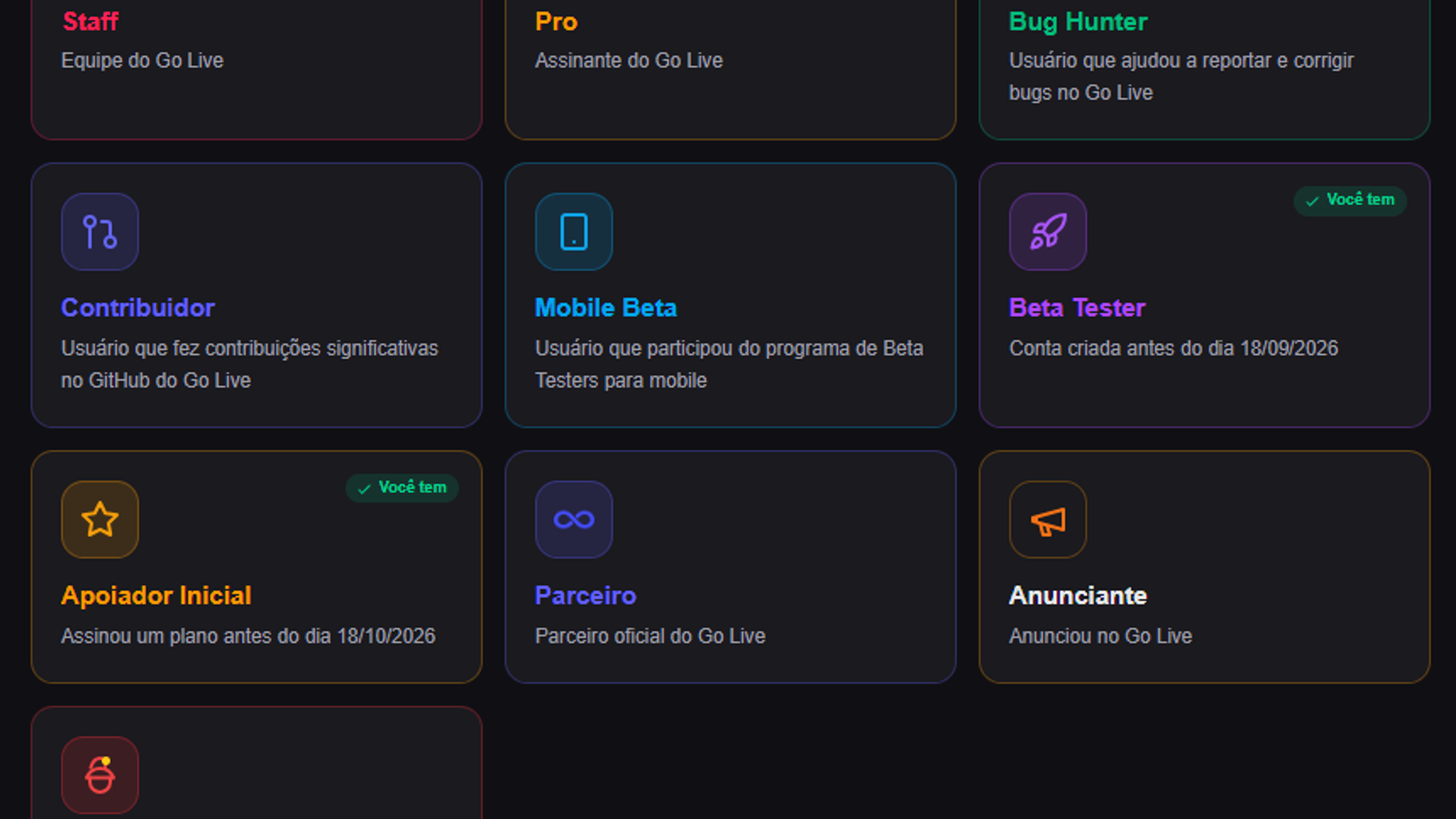
According to GoLive's own badges page, these are marks that appear on a user's profile, distinct from anything else on the platform. Some are fairly easy to get, others are much harder to reach and once earned, a badge stays attached to the account permanently.
The page also includes a progress counter, shown as "you have X of 10." In the example available on the site, the profile pictured had already unlocked three of the ten badges: Pro, Beta Tester, and Apoiador Inicial.
Beyond the description for each badge, GoLive also sorts them into four rarity tiers: common, rare, mystic, and legendary. That classification works as a quick visual cue for how hard each emblem is to earn.
Common badges
The most accessible tier, generally tied to a simple, direct action from the user.
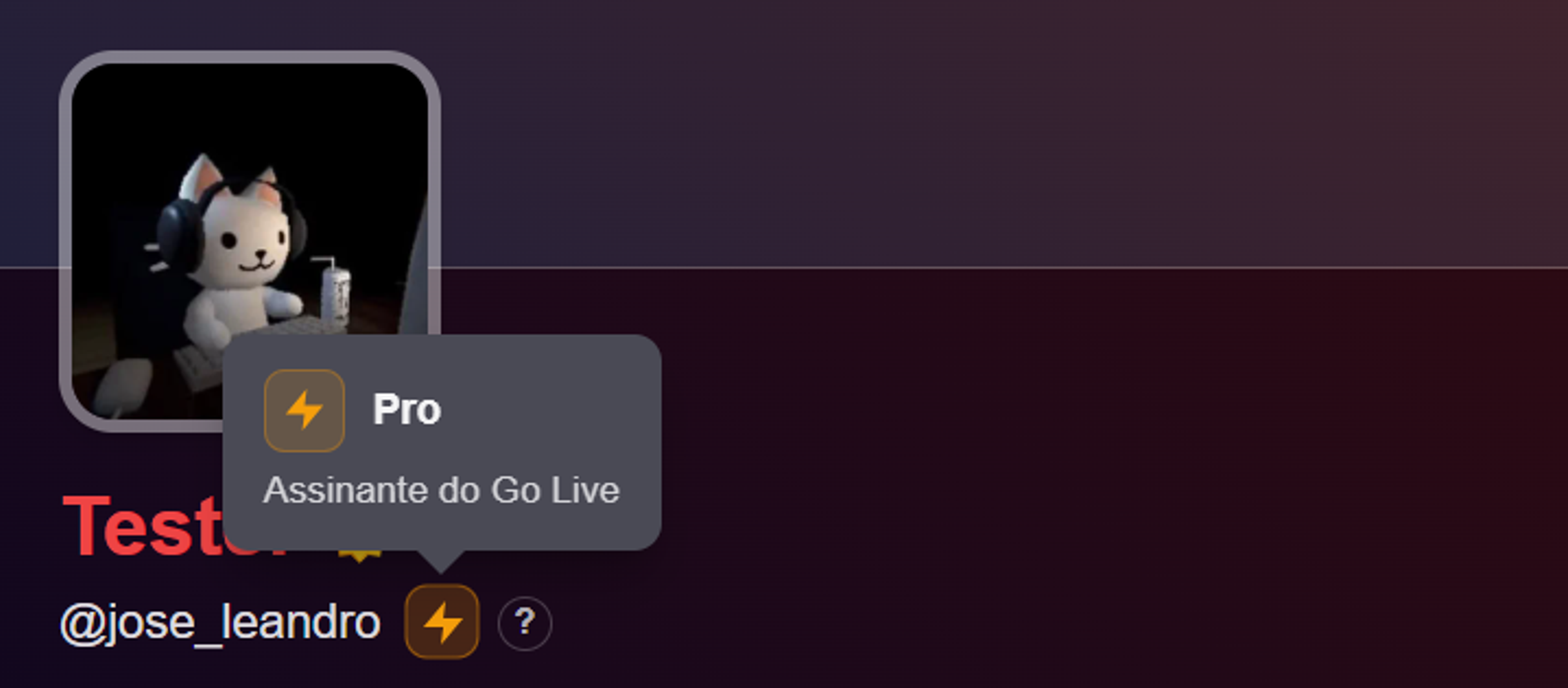
- Pro — awarded to anyone with an active subscription to GoLive's Pro plan.
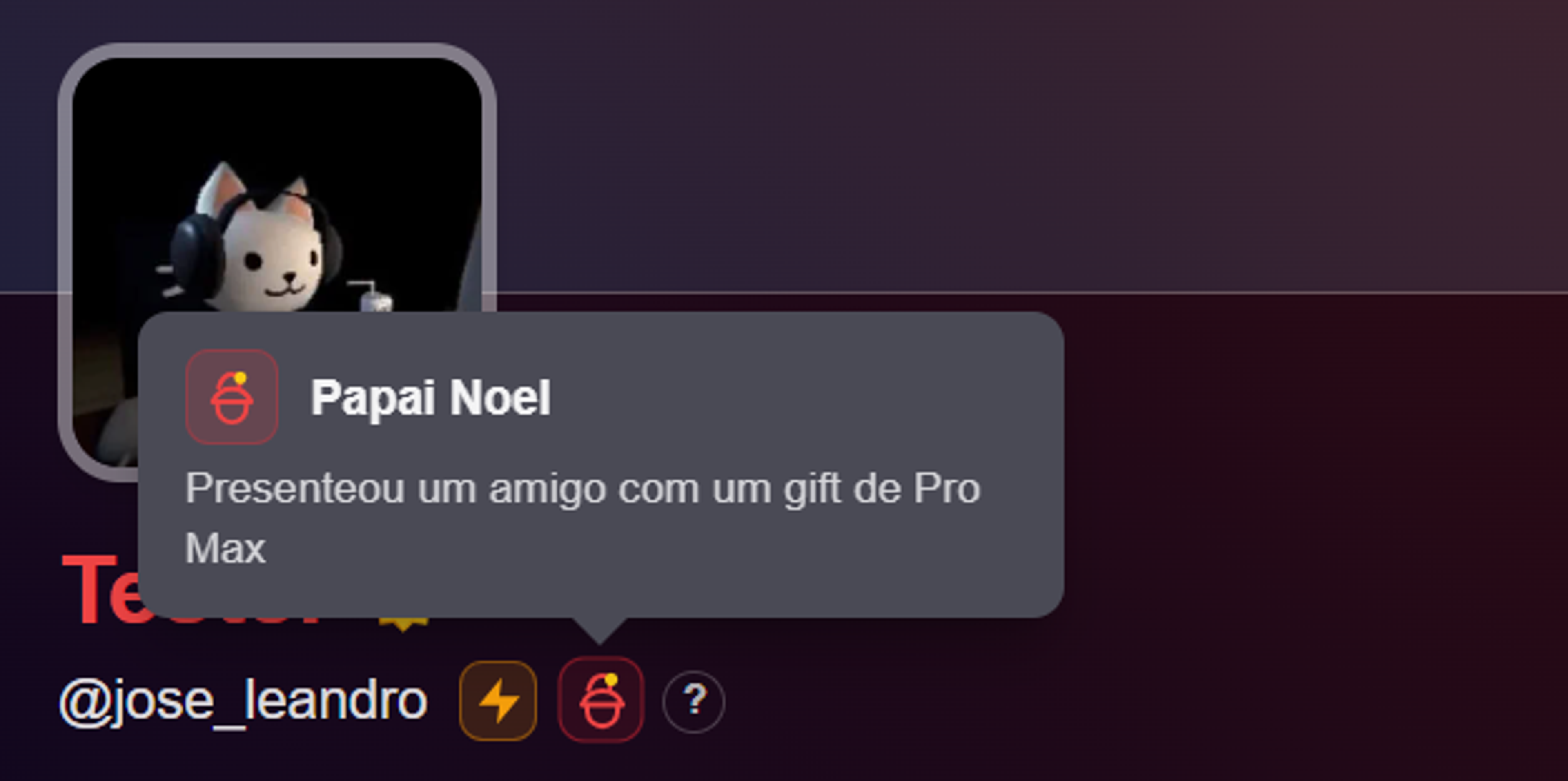
- Santa Claus — the most unusual badge on the list, given to users who gift a friend a Pro Max subscription, GoLive's top-tier plan.
Rare badges
These require some form of active participation or a specific time window.
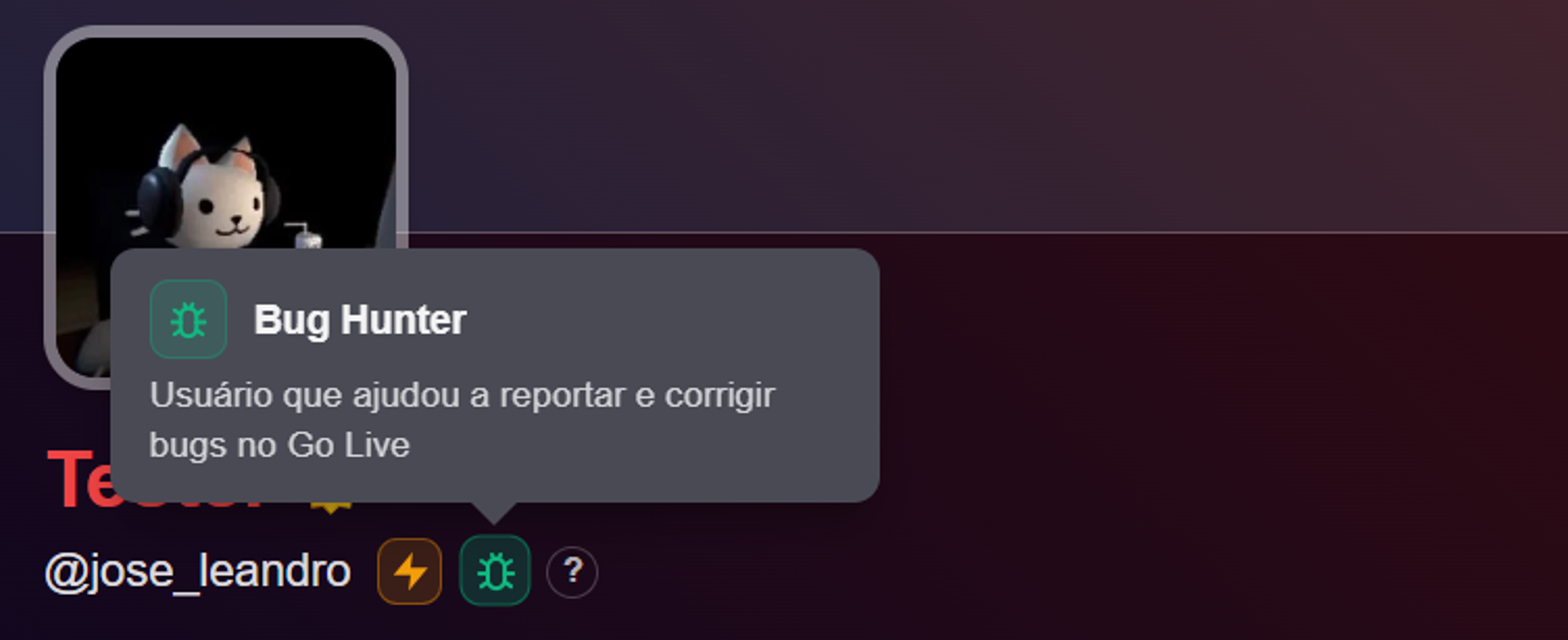
- Bug Hunter — recognizes users who help find and fix issues on GoLive. Worth noting: not every report qualifies. Users need at least three different bugs submitted and approved by the team meaning genuine, relevant issues, not minor or already-known problems.
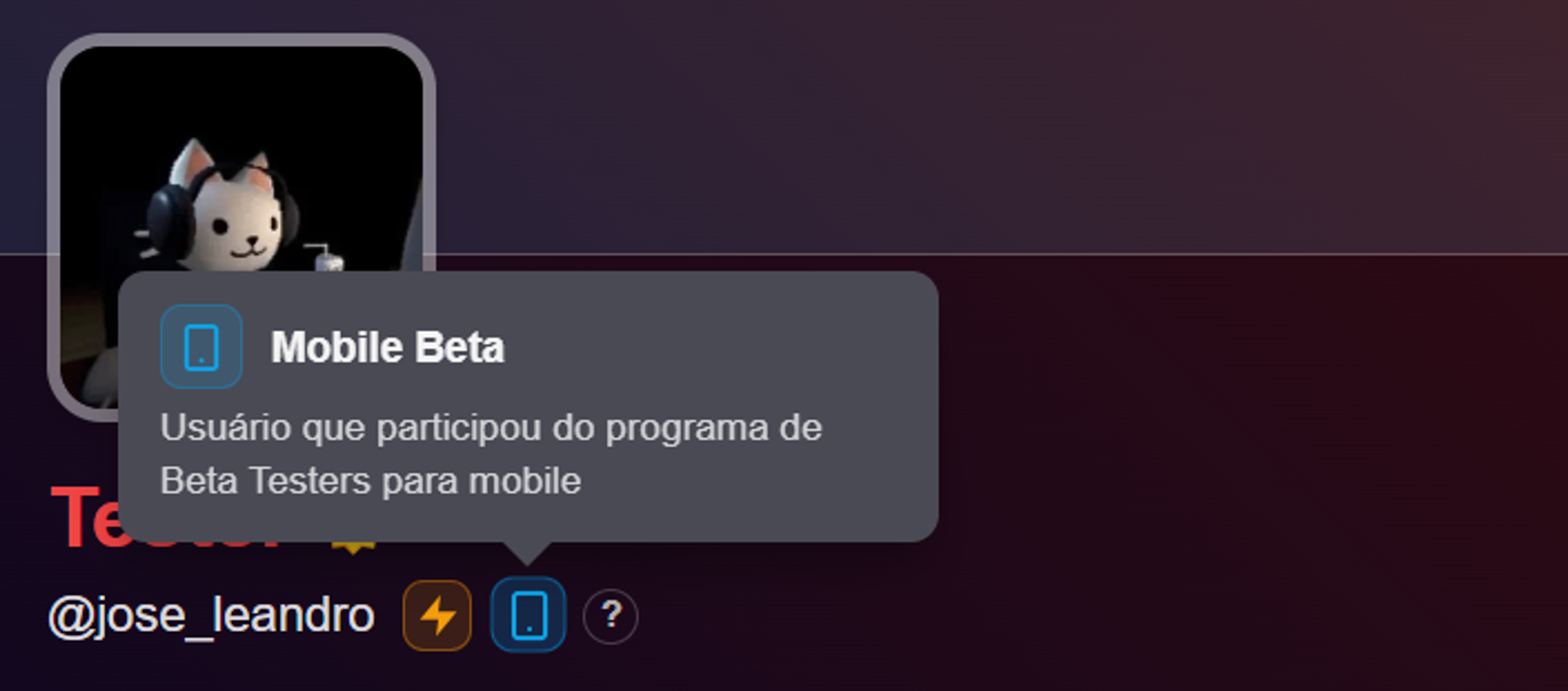
- Mobile Beta — for users who took part in GoLive's closed beta testing program for its mobile app.
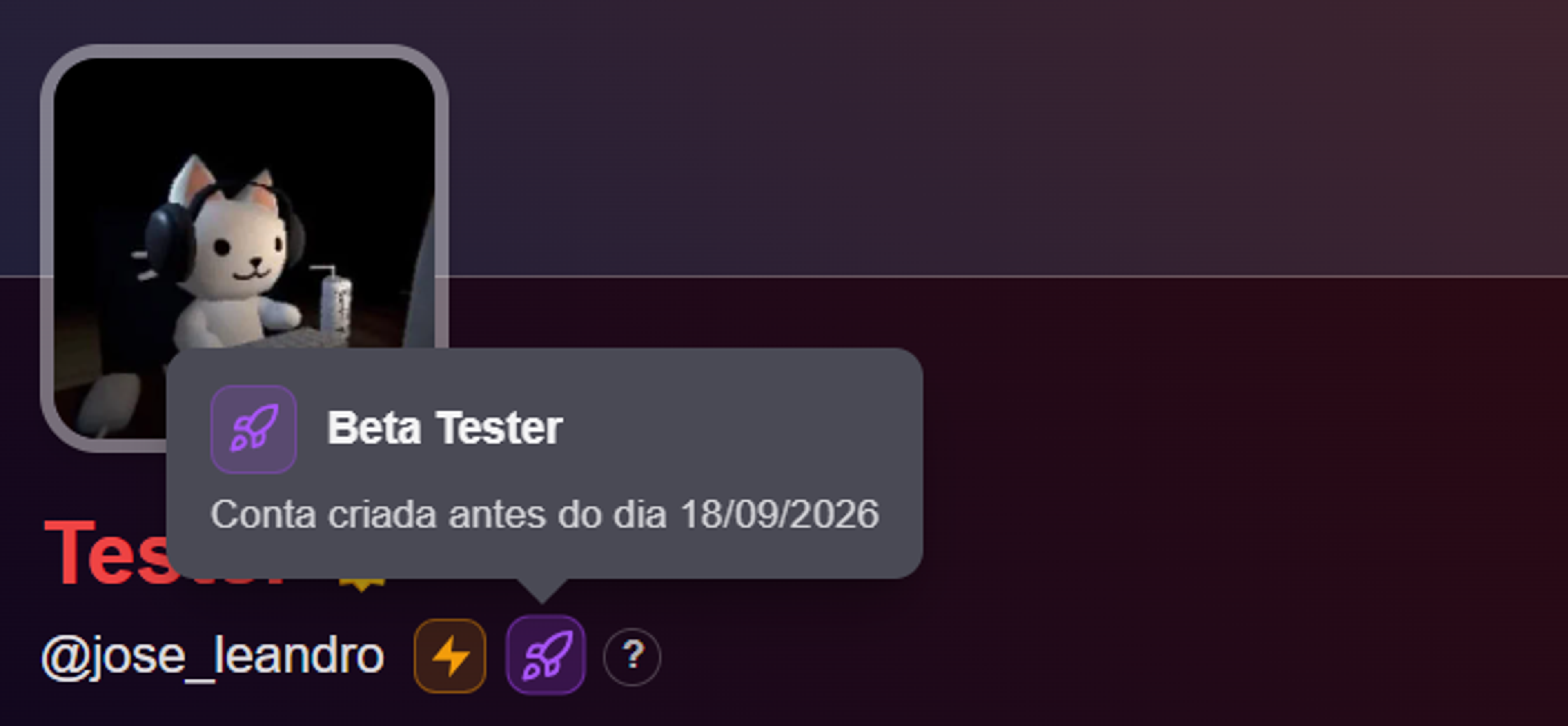
- Beta Tester — granted to accounts created before September 18, 2026, effectively marking someone as an early user of the platform.
Mystic badges
A step up in difficulty, almost always tied to direct contribution to the project or early financial support.
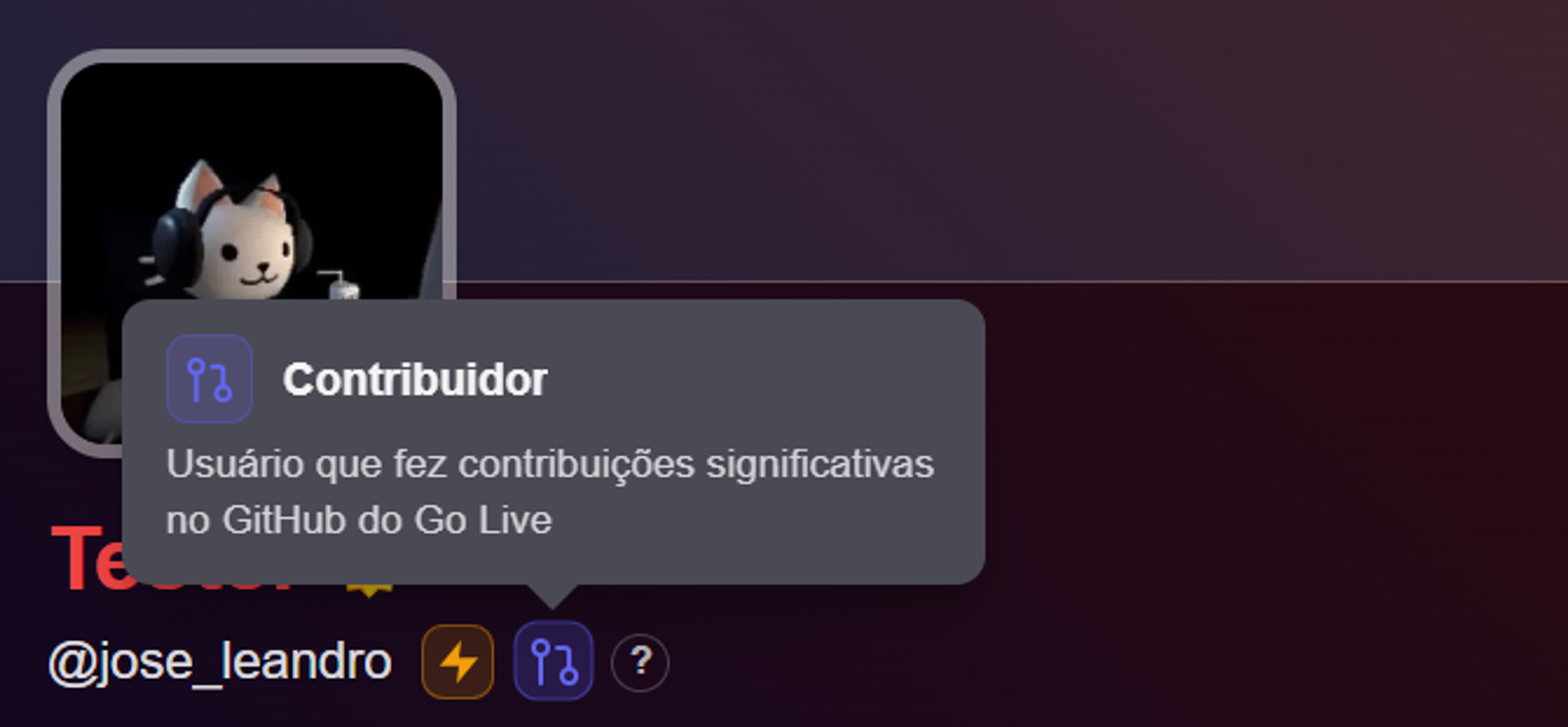
- Contributor — recognizes users who made meaningful contributions to GoLive's GitHub repository.
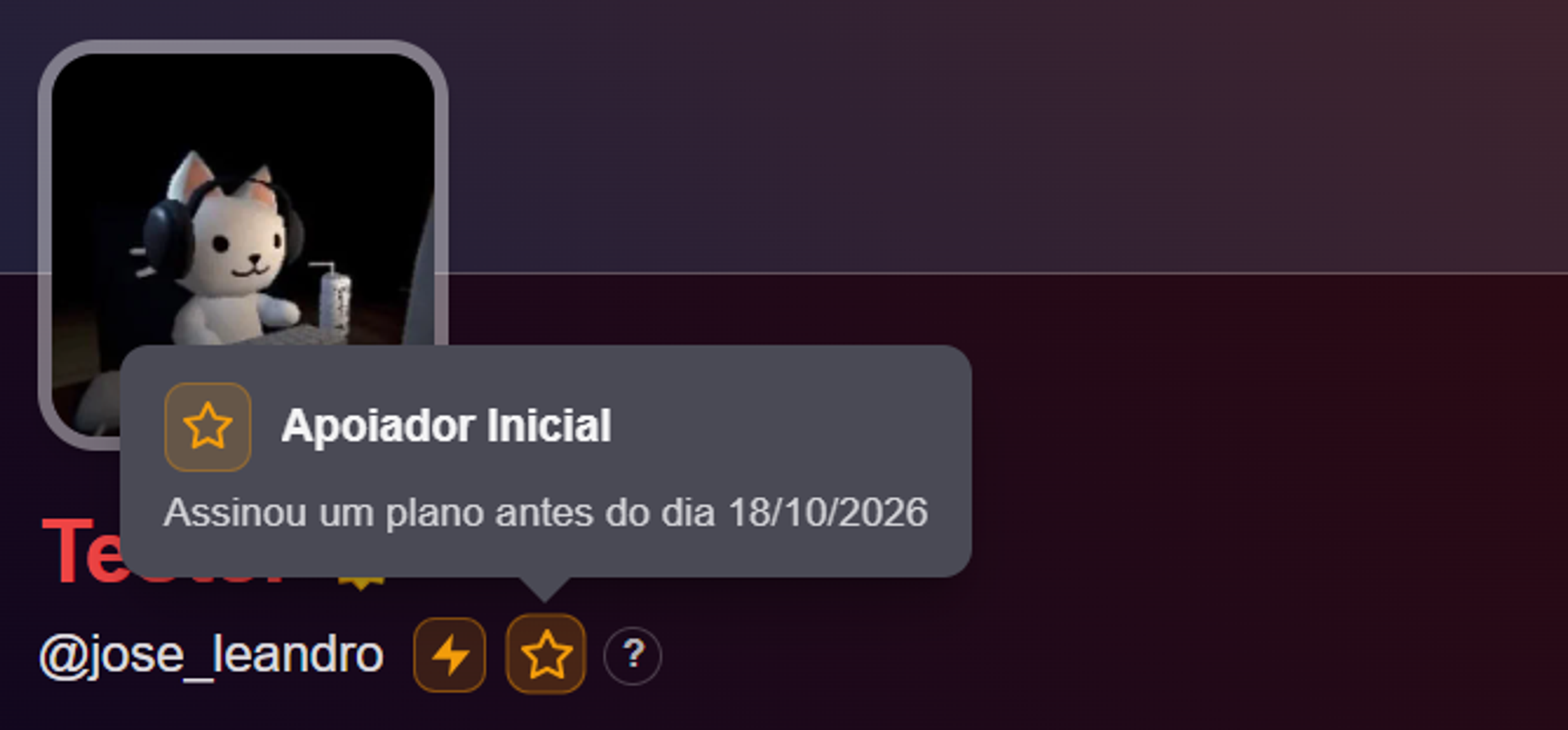
- Early Supporter — for anyone who subscribed to a paid GoLive plan before October 18, 2026.
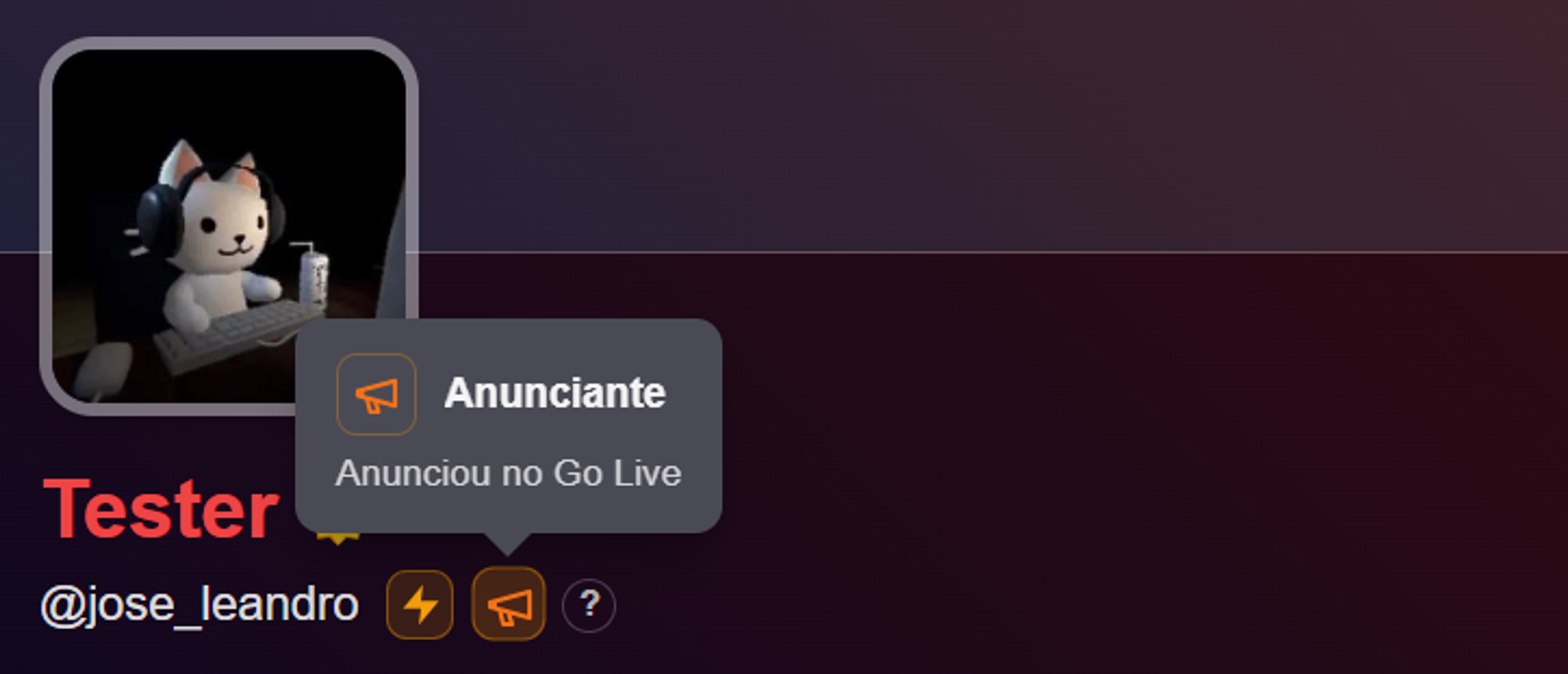
- Advertiser — for anyone who ran ads on GoLive, meaning they purchased advertising space on the platform.
Legendary badges
The top of the hierarchy, reserved for official roles within GoLive's ecosystem.
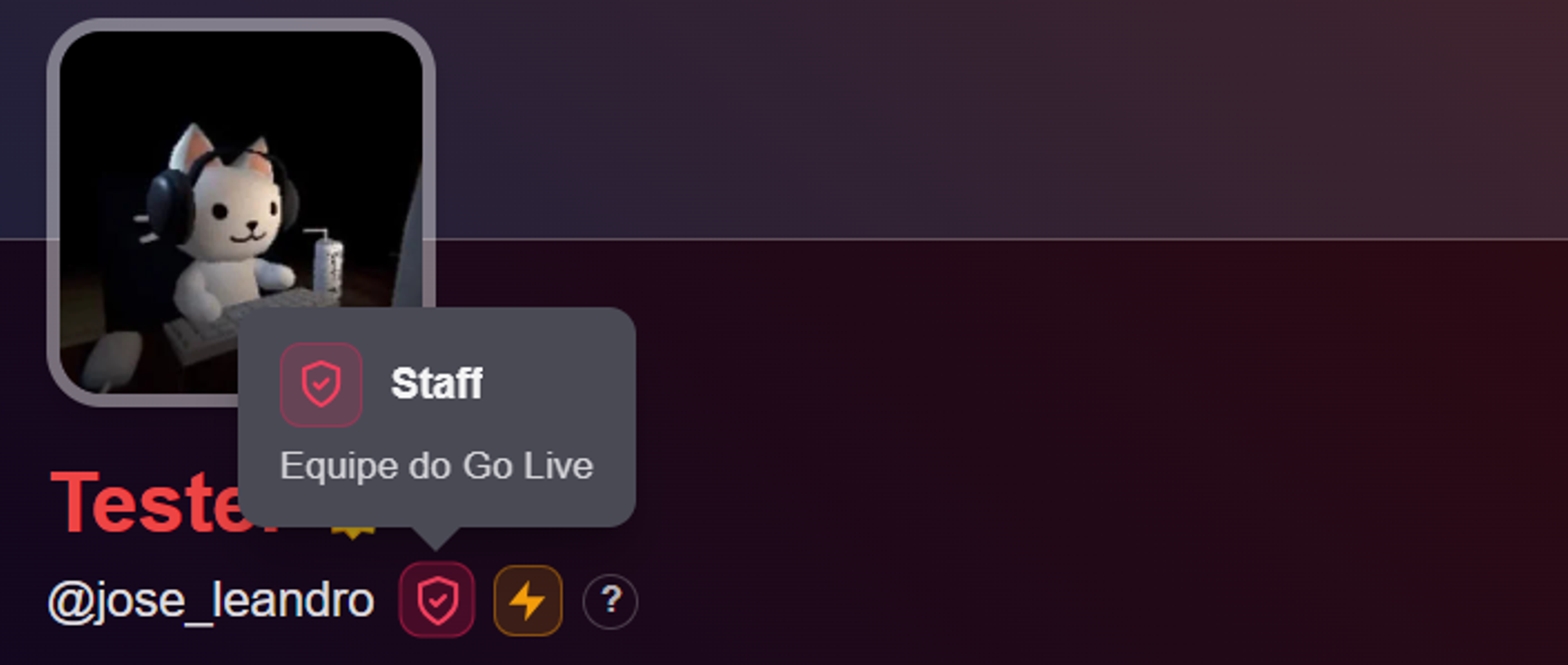
- Staff — given to members of GoLive's official team. Not obtainable by regular users.
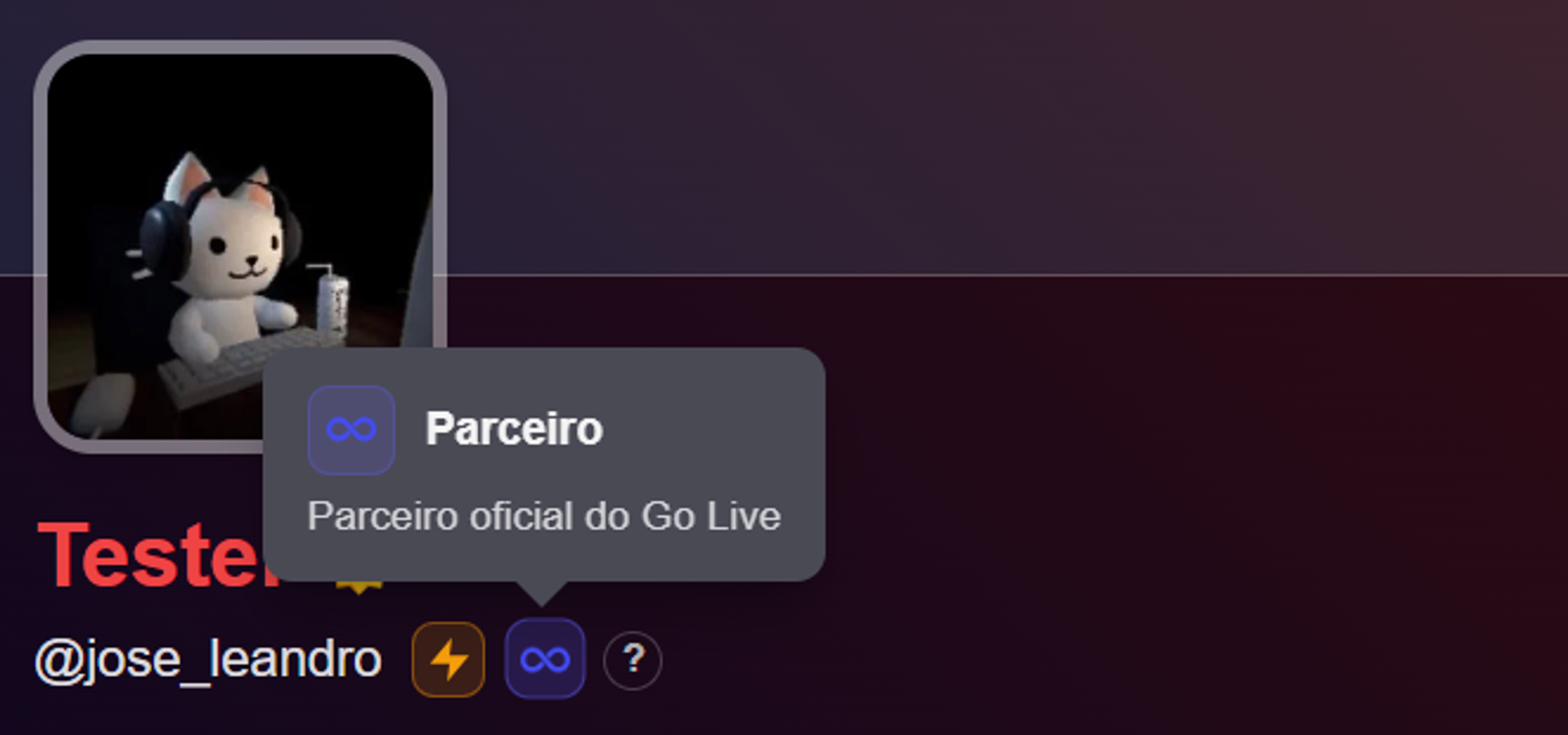
- Partner — reserved for official GoLive partners, whether creators, brands, or communities with a formal agreement with the platform.
Two badges have a closing date
Worth flagging for anyone trying to complete the set: Beta Tester and Apoiador Inicial aren't available indefinitely in the way they can be earned. The first requires the account to have been created by September 18, 2026; the second requires subscribing to a paid plan by October 18, 2026. After those dates, they stop being available to new users, even if someone otherwise meets the platform's usage criteria.
It's also worth noting the difference between Mobile Beta and Beta Tester: despite the similar names, the former depends on active participation in a mobile app testing program, while the latter is based purely on account creation date.
Where to check your badges
Anyone wanting to see their own collection can visit the badges page inside their GoLive profile. Alongside an explanation and rarity tier for each emblem, it shows the progress counter and which badges have already been unlocked.
As with other platforms that use this kind of gamification, the value of a GoLive badge lies less in what it unlocks and more in what it signals — a snapshot of how, and since when, someone has been using the platform.